Call the Alert
A confirmed disaster forces a decision before a single patient arrives: how big is this, really? You now declare the hospital's alert level straight from the Disaster Confirmed message — and live with the call you make.
When the scene confirms a major incident, command has to answer one question fast: do we hold the line with the staff on shift, or pull everyone in? That decision sets the tone for the whole response — and now you make it in the game.
The Disaster Confirmed message carries two alert levels:
- Lite — a mass casualty incident with casualties below threshold. Current staffing holds and the floor runs as is.
- Full — casualties above threshold. All staff are called in, and nearby hospitals are notified to receive overflow.
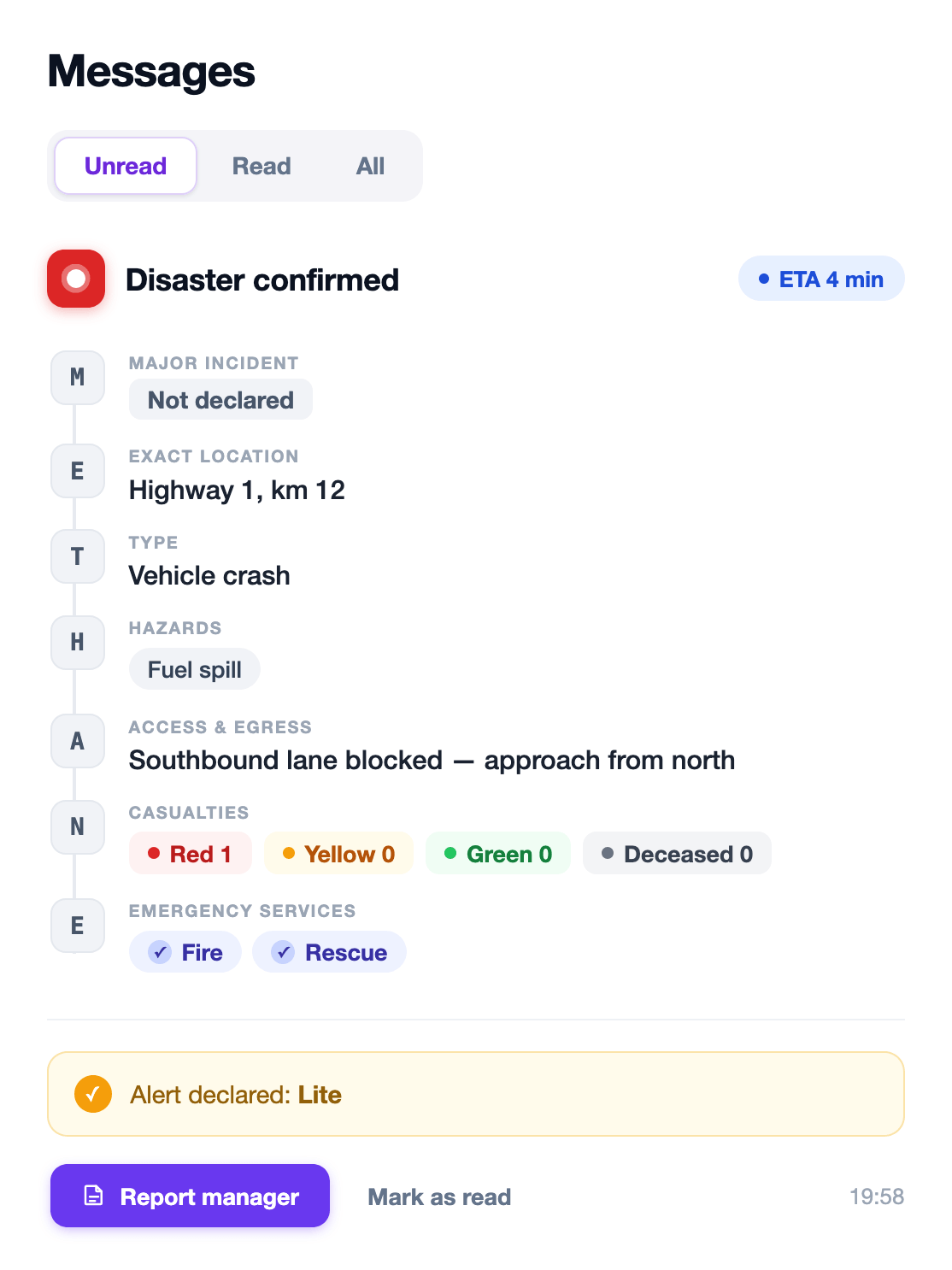
Pick a level and you’re asked to confirm. Once you declare, it’s locked — no changing your mind, no re-declaring. Real activations don’t come with an undo button, and neither does this one. Your choice is recorded with the session, ready to be weighed in the debrief.
Next in the protocol: report to the manager, then staff the floor before the ambulances arrive.